3. Design, Testing, & Iteration
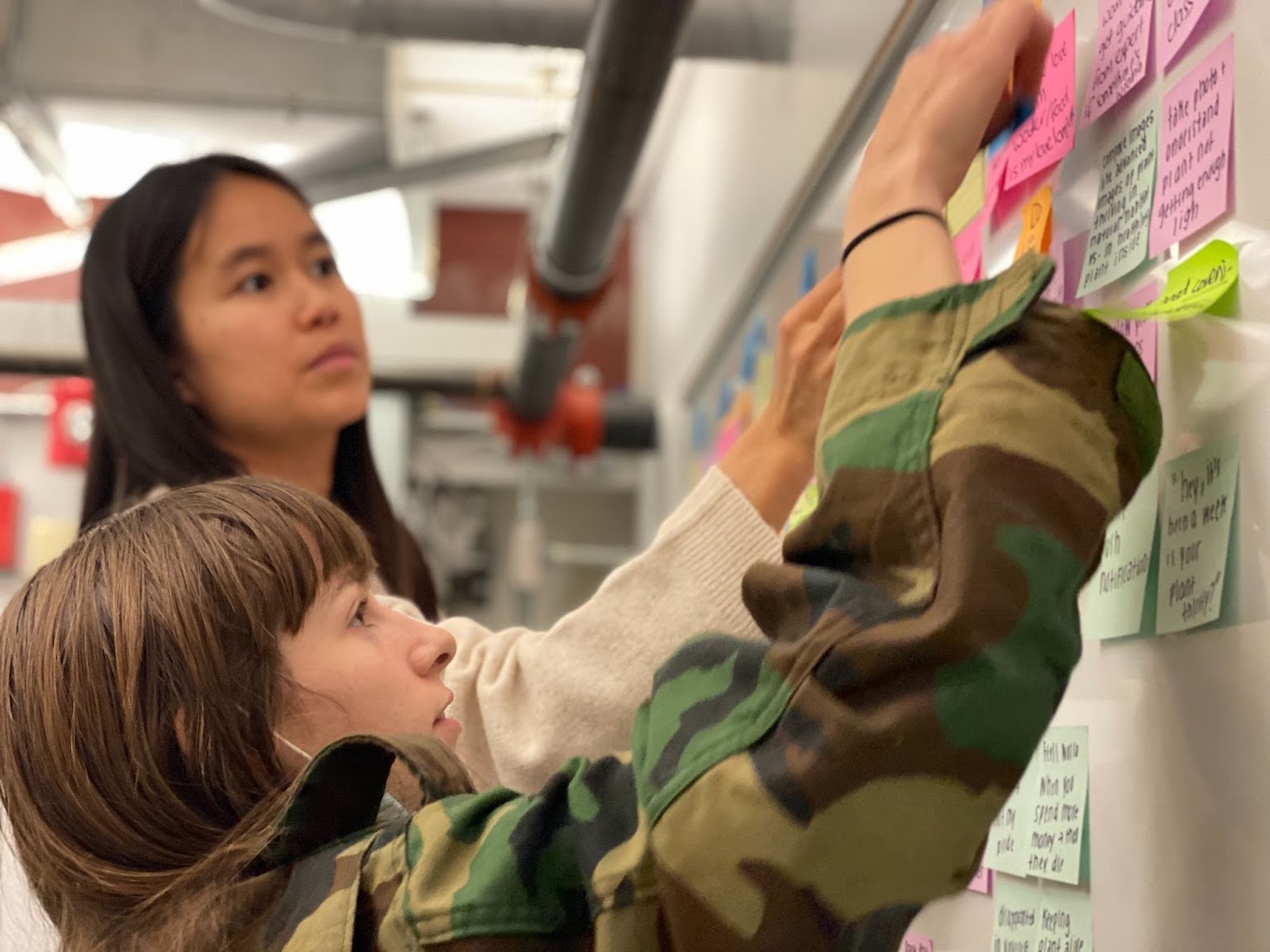
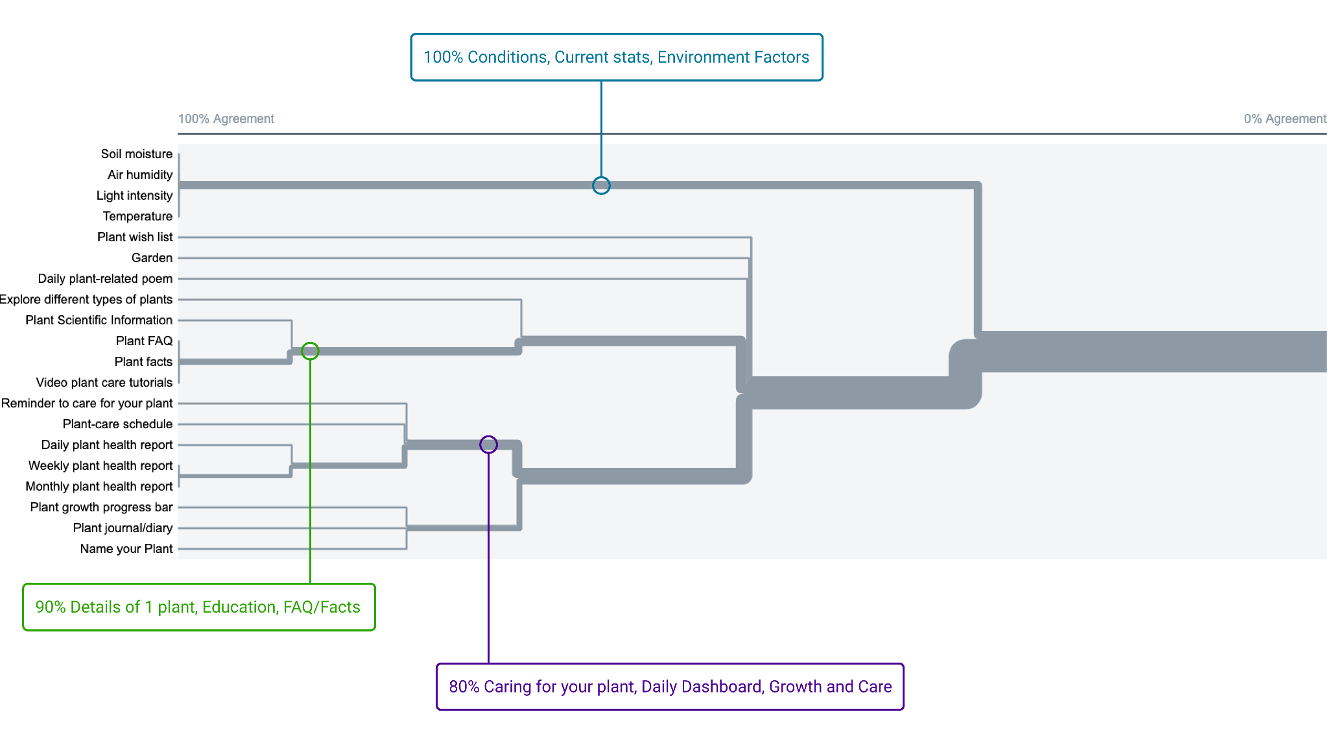
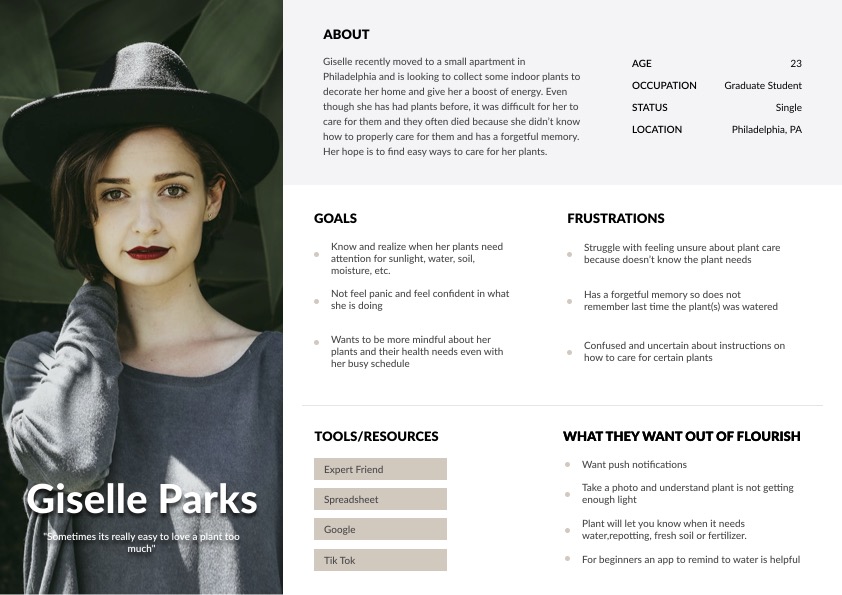
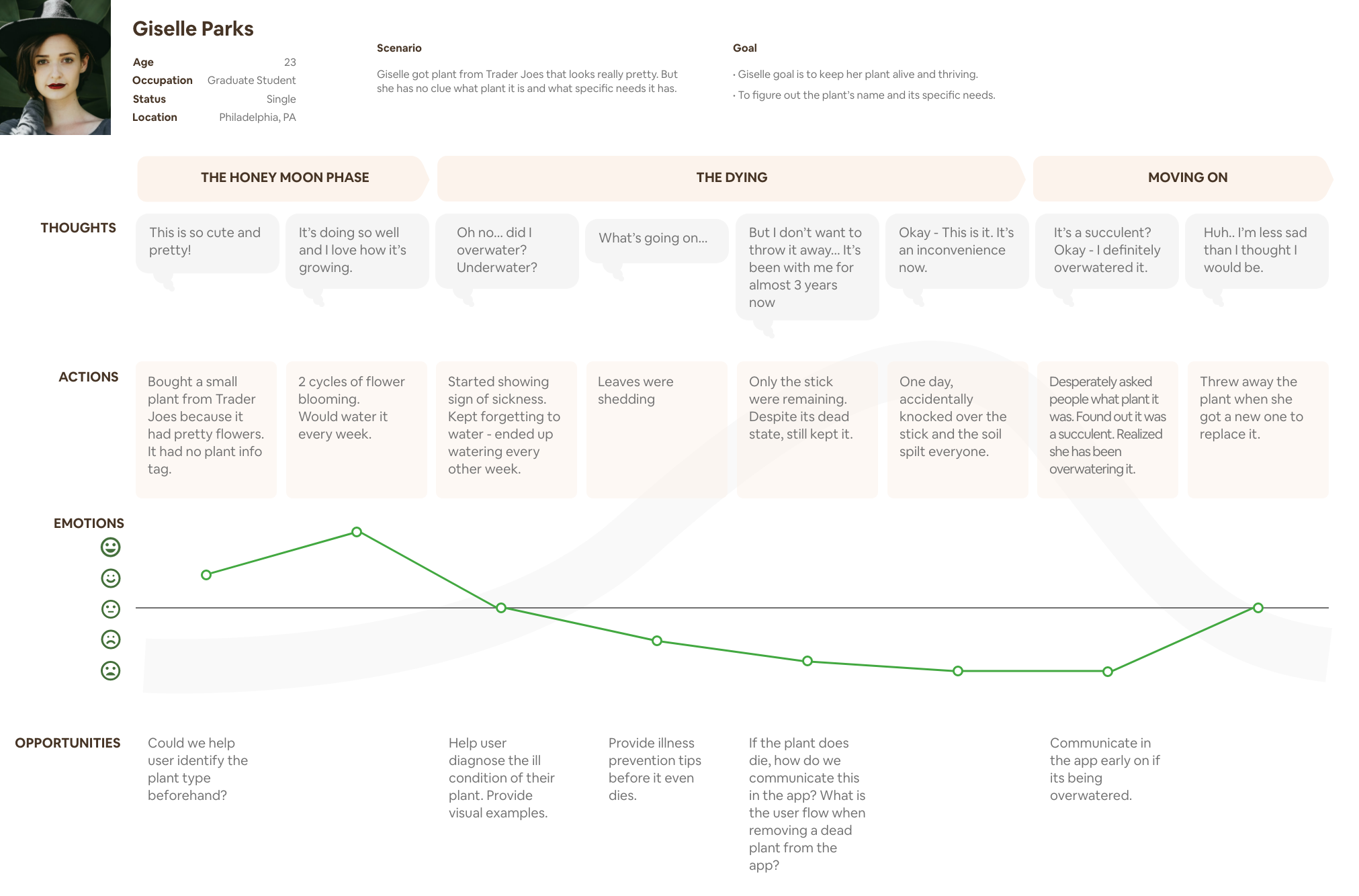
Finally, the time had come to synthesize all of our insights into design ideas! To facilitate the translation of user research into actionable concepts, my team created user personas and a journey map. These tools allowed us to better understand the needs, motivations, and pain points of our target users throughout their interaction with the product.
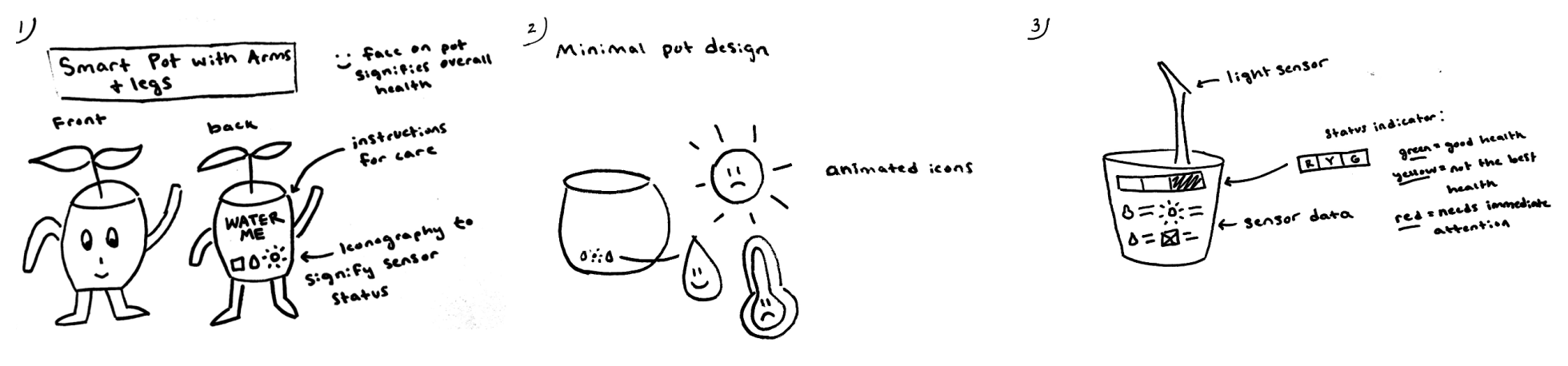
Step one of ideation consisted of sketches that helped everyone from the team communicate a few basic ideas for the direction of the app and the sensor device.
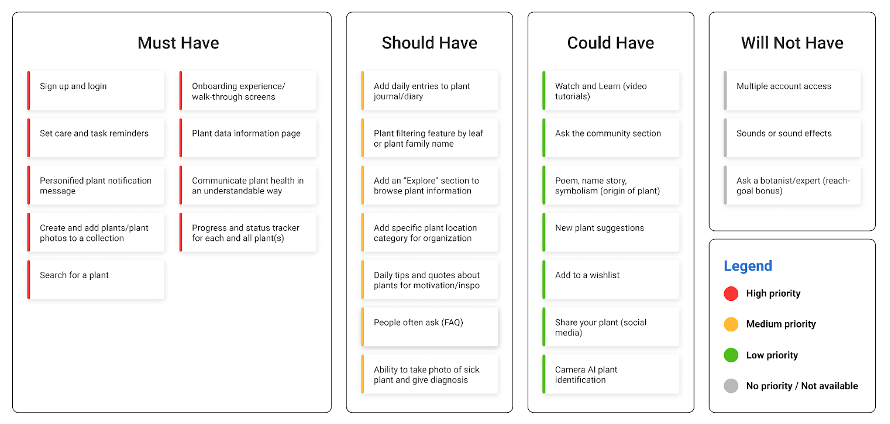
We had productive meetings with the developers and engineers to assess the technical feasibility of our ideas. Taking into account their expertise, we crafted a plan that balanced the goal of maximizing user satisfaction with the practicality and capabilities of the development team. Based on these discussions, we created a feature prioritization grid to guide us in determining the best order of implementation for different features.
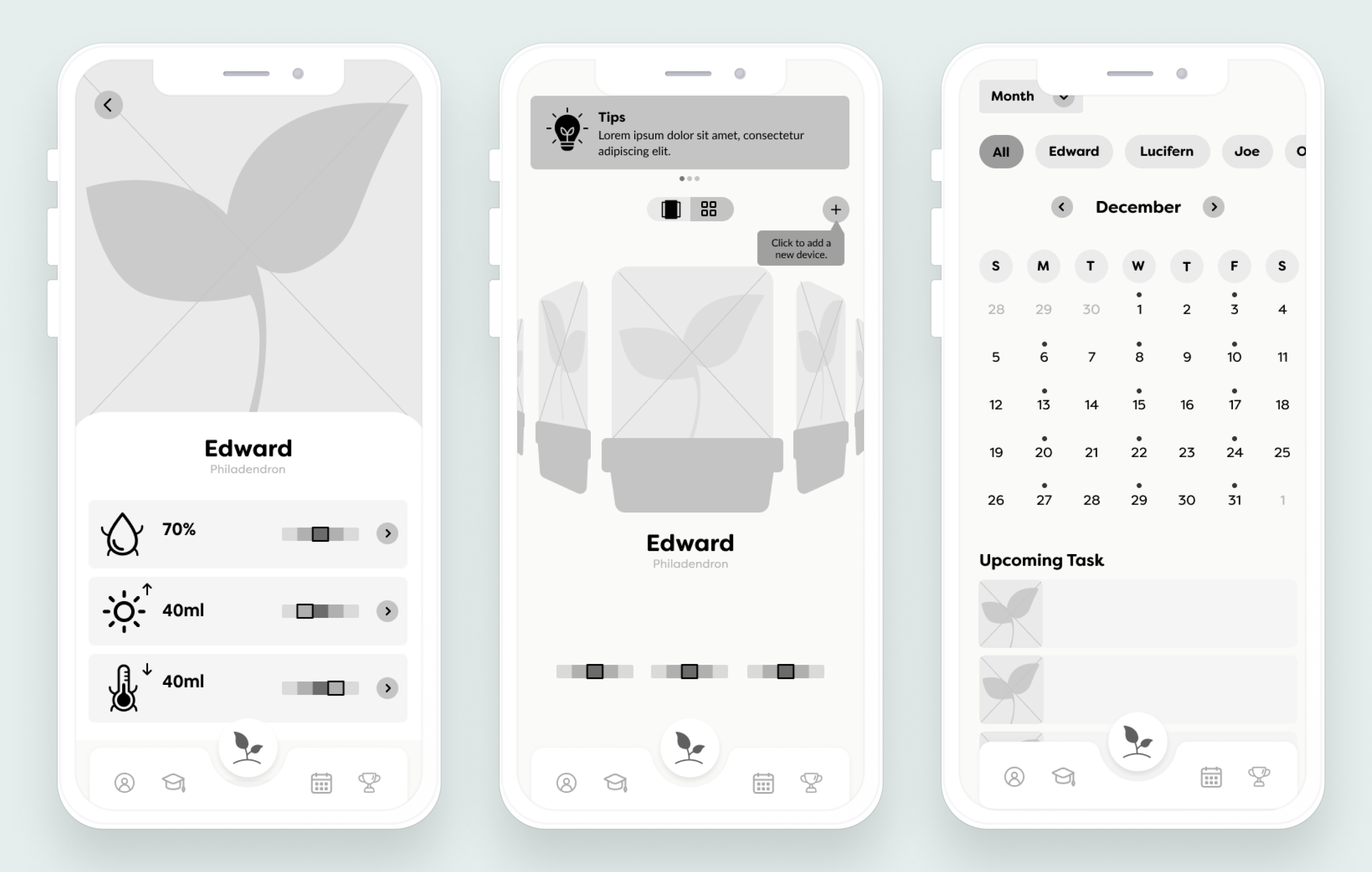
At this point, we split up the pages that needed to be designed and started our first low-fidelity prototype!
Low Fidelity Designs
To maintain simplicity in this initial phase, we decided to limit the design to shades of grey only. By using a monochromatic color scheme, we could focus primarily on layout, structure, and user flow without the distraction of color considerations.
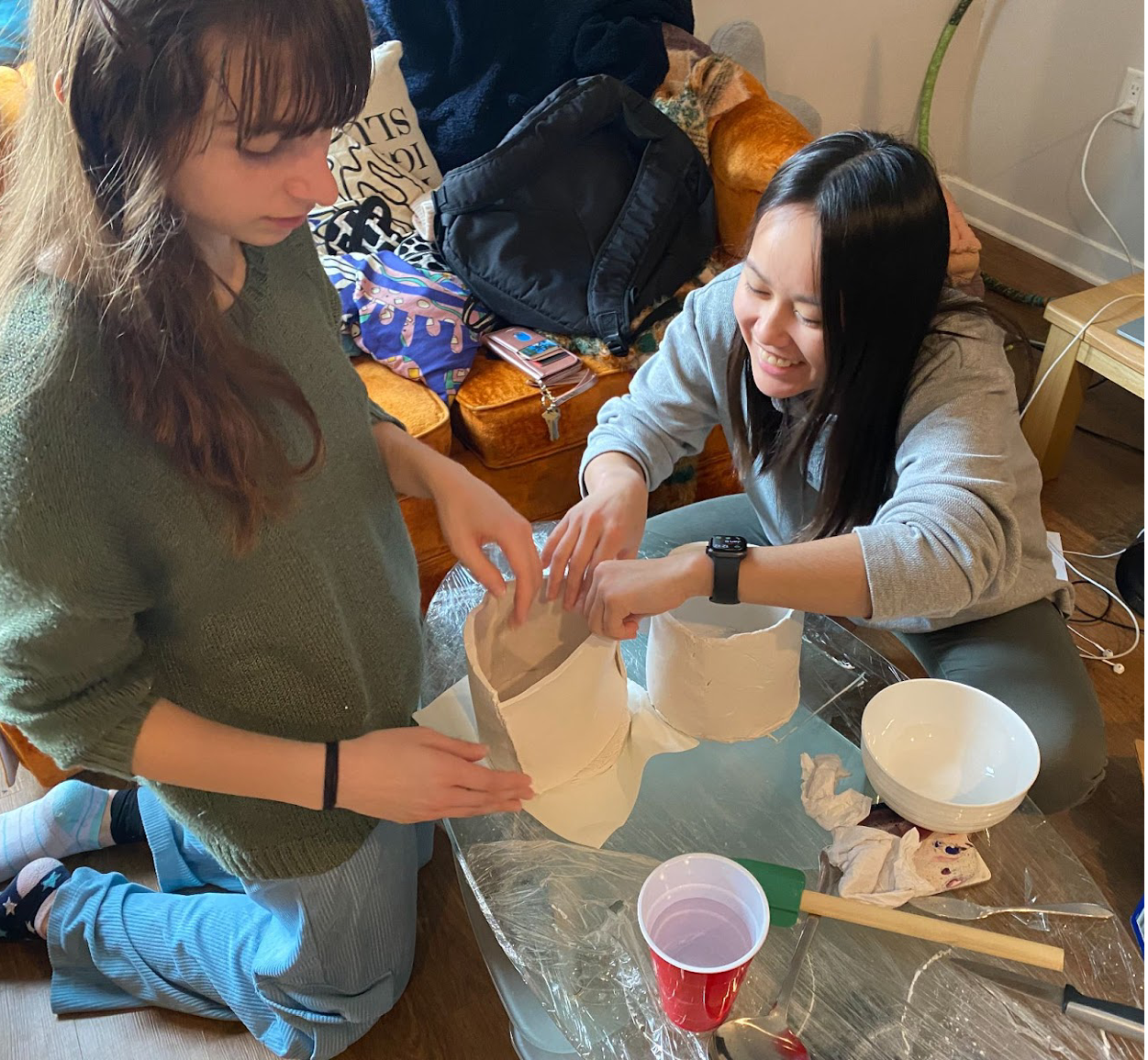
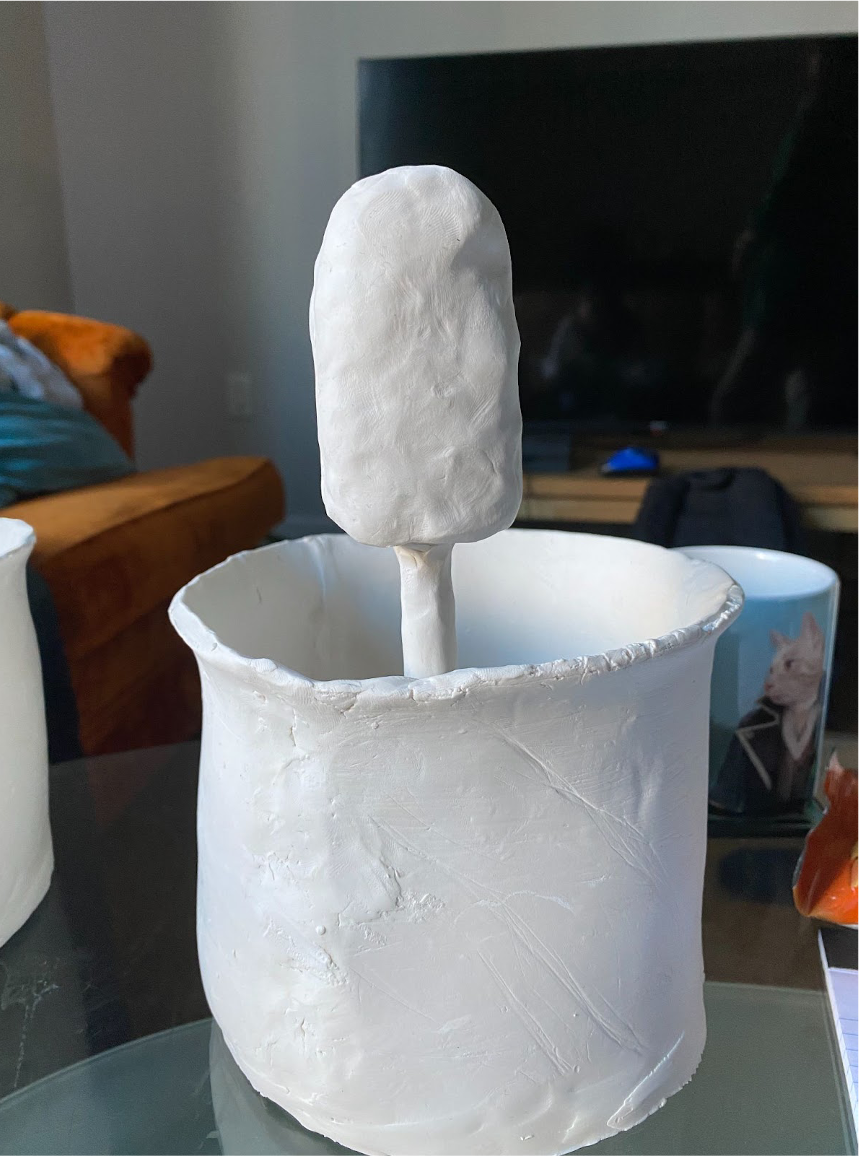
My team and I also created four clay models for the sensor. Two models integrated the sensors into a pot that could fit houseplants, while two others were for smaller devices that could be stuck in the soil of any pot.
We conducted usability testing of both our app and clay prototypes with five potential users. The primary objectives of these tests were to assess the usability of the design, determine the value users found in the features, and evaluate the intuitive connection between the sensor device and the mobile app.
Before showing users the clay prototypes, my team and I led sessions by asking them to describe and draw their own ideas, before showing them our prototypes and collecting feedback. This not only gave us an idea of their mental image of a plant sensor, but also primed them to be more critical of the clay models.
Mid Fidelity Designs
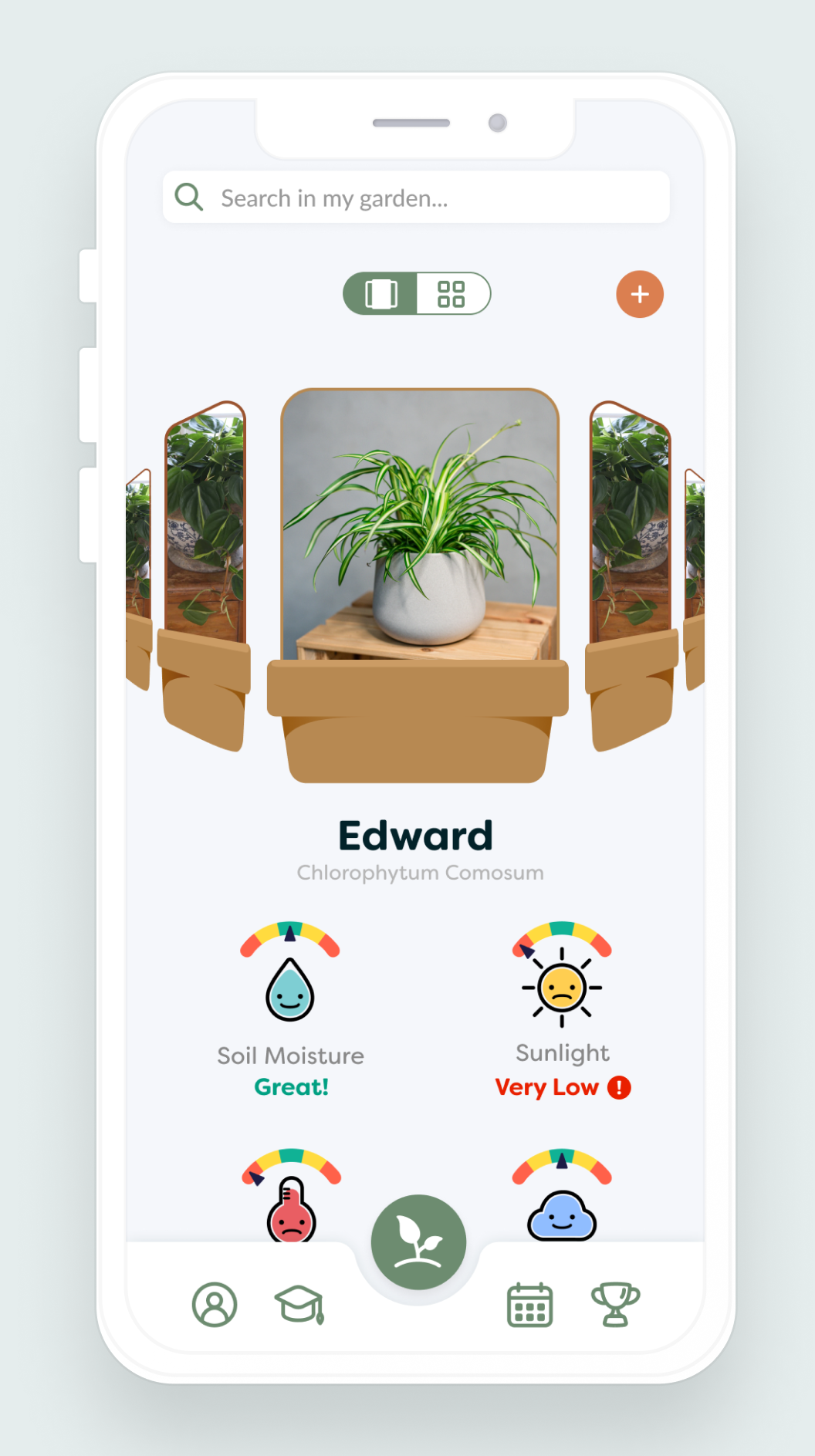
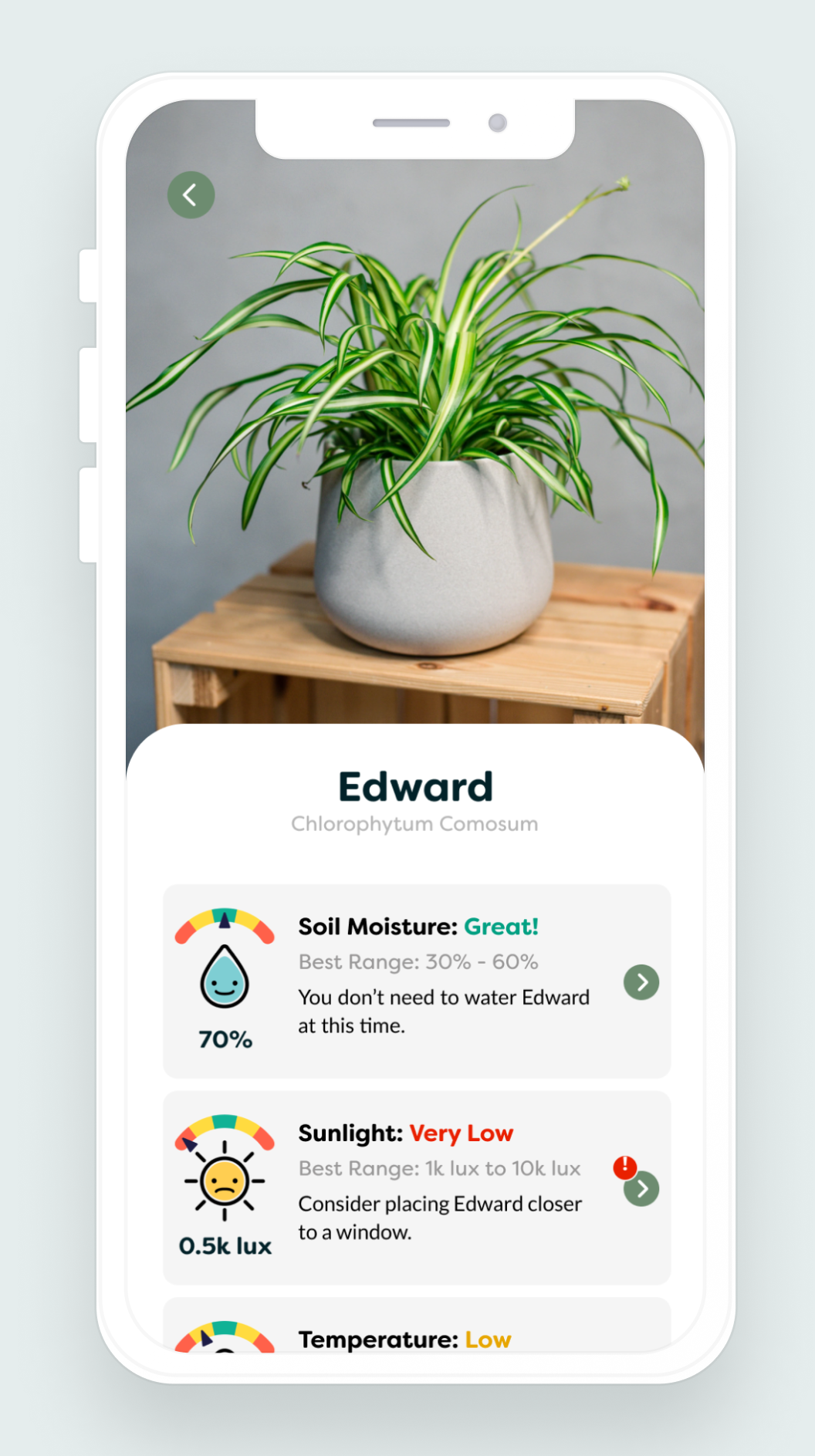
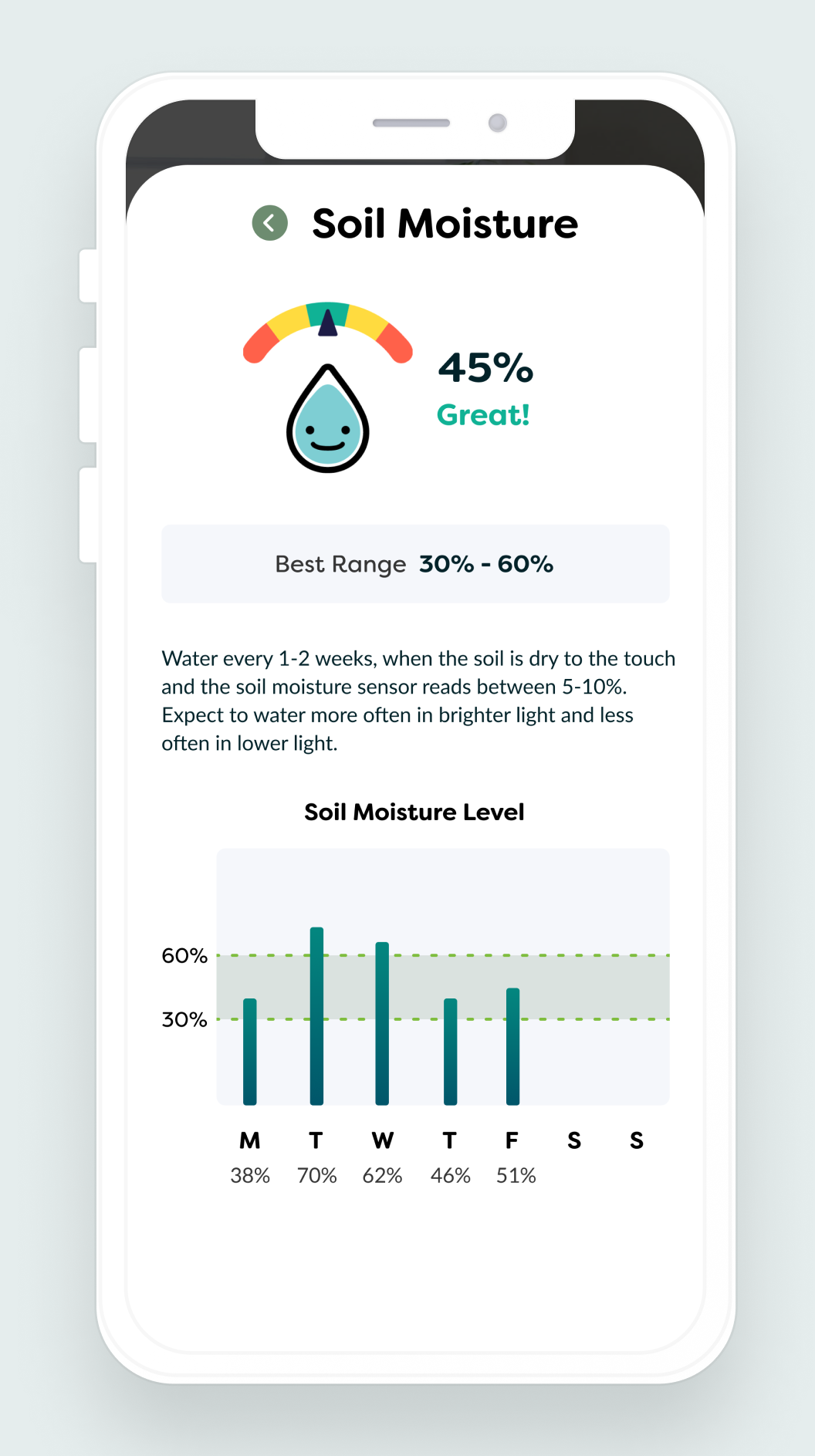
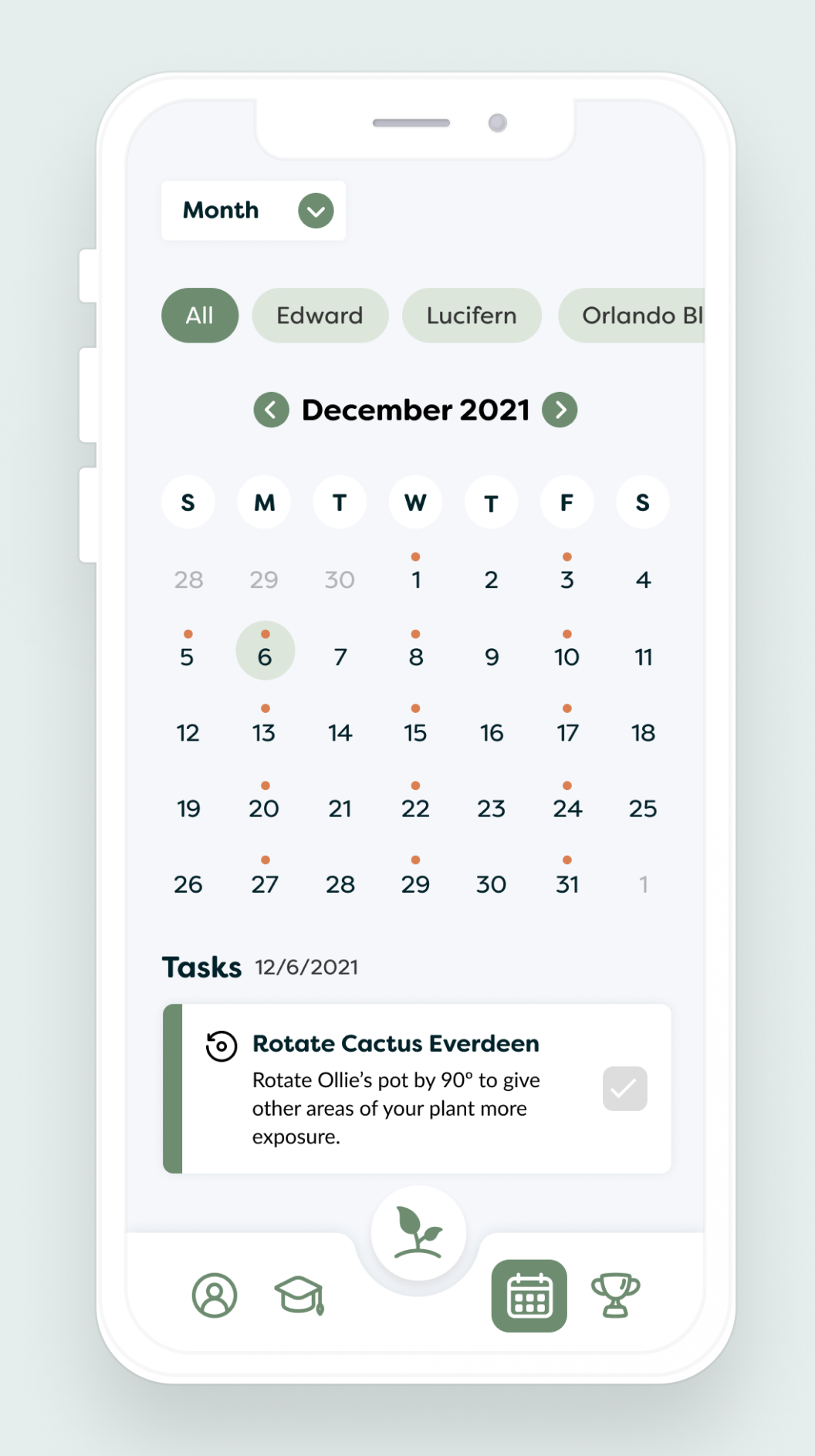
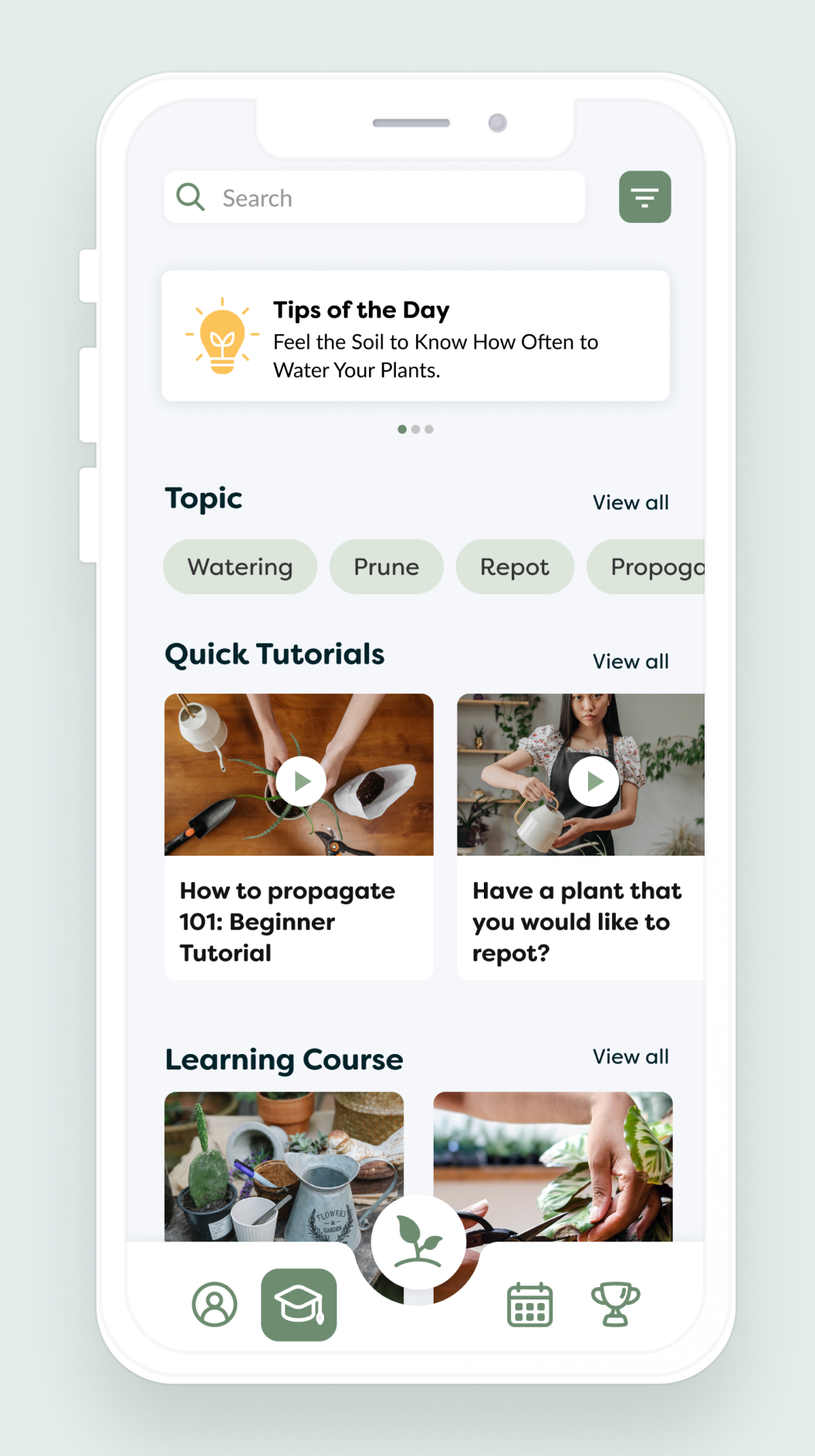
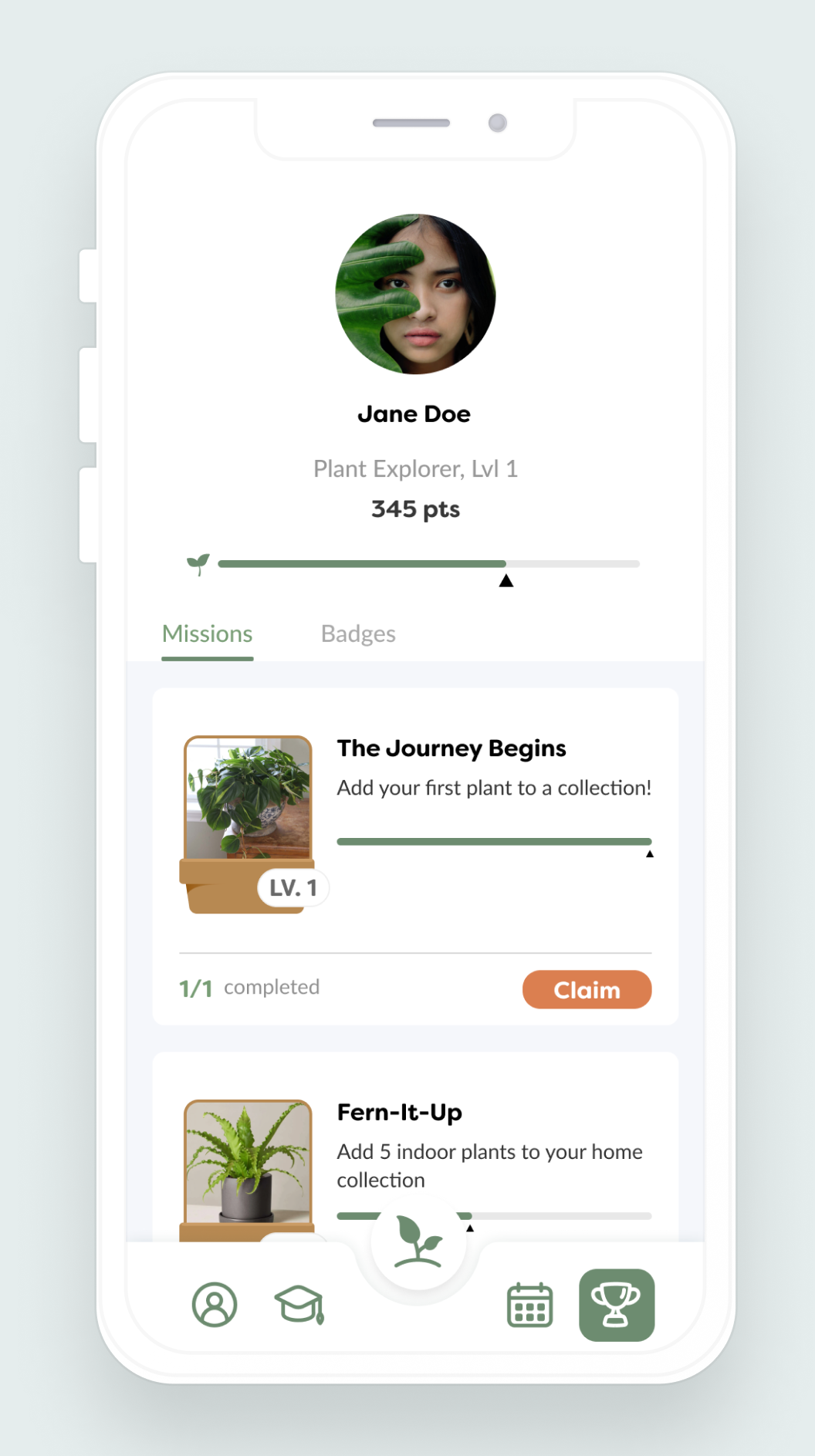
For the mid-fidelity prototype, my team and I incorporated copy, color, and images, while also implementing changes based on the feedback we received from the low-fidelity prototype.
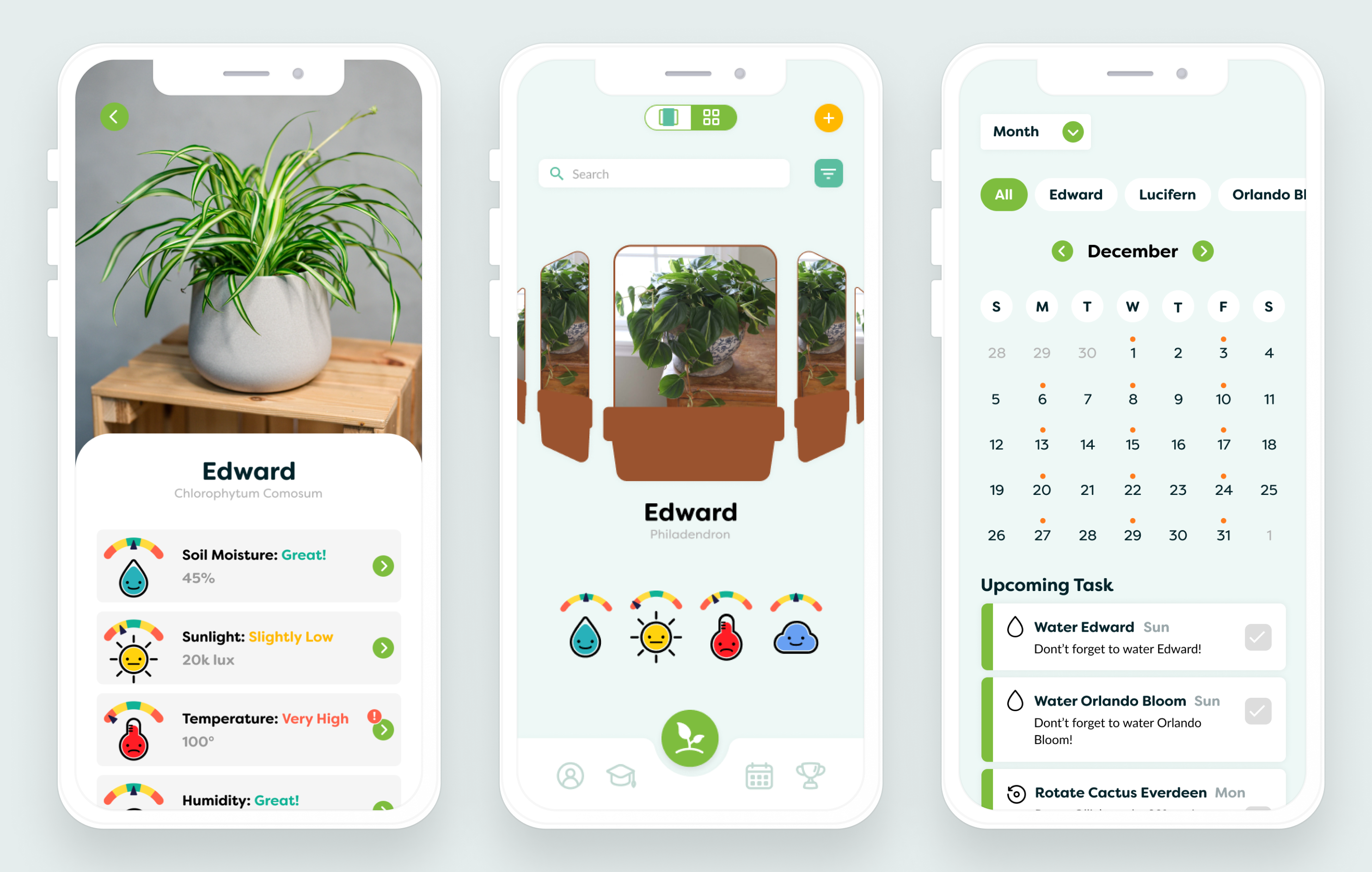
My team and I user tested the mid-fidelity prototype with 5 more people in our target demographic. We came away with over 100 changes to make to our app, both big and small. We also learned that the colors we had initially chosen didn't match the calming and feel-good mood that we wanted our app to deliver.
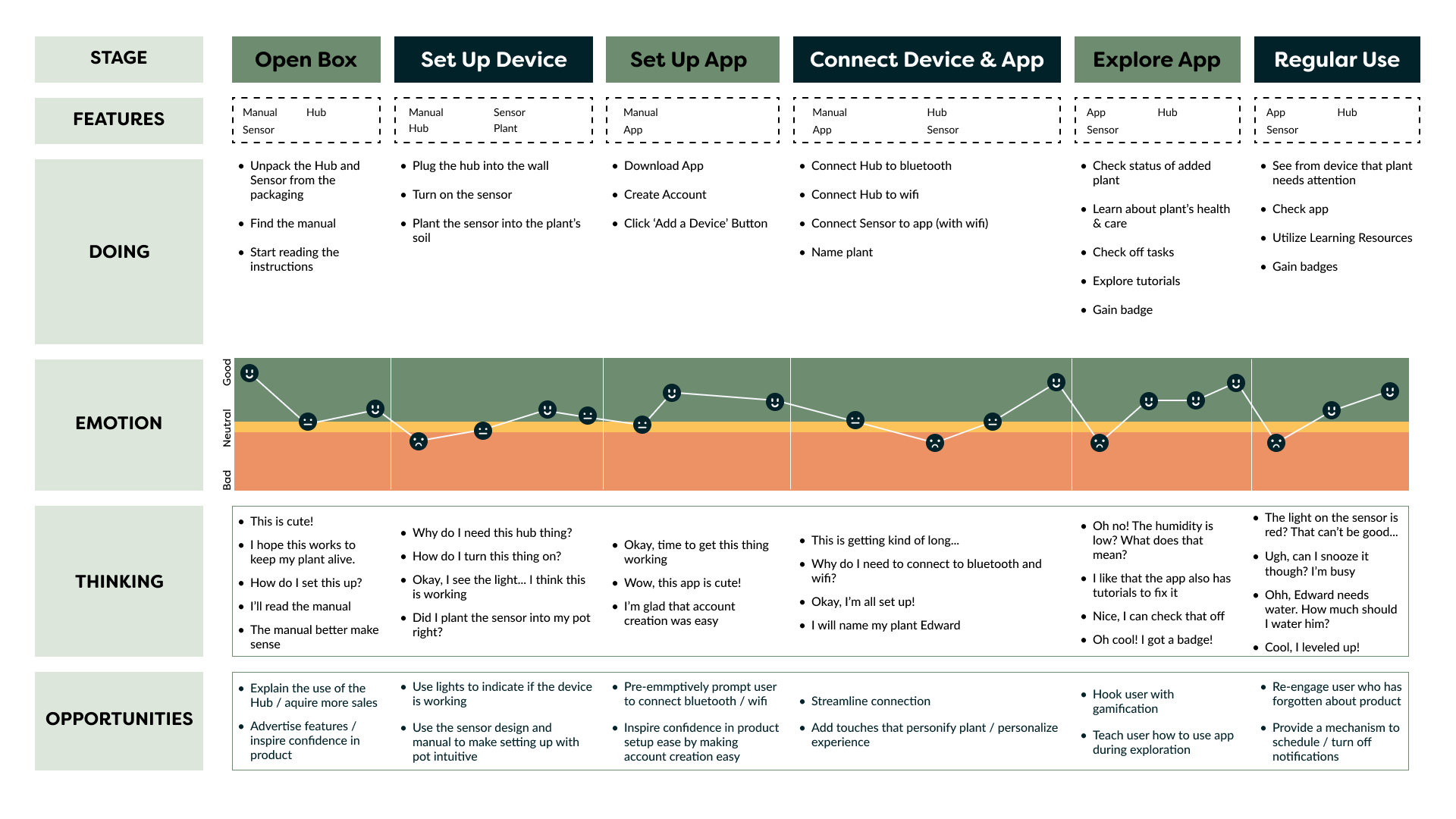
It was crucial to define and test the process by which the device and app would connect. We recognized that the setup procedure had the potential to be a significant source of confusion for users. To address this concern, I created a journey map outlining the steps and interactions involved in the setup process. This journey map was informed by the insights gained from our initial round of usability tests, allowing us to identify pain points and areas of improvement to streamline the device and app connection experience.
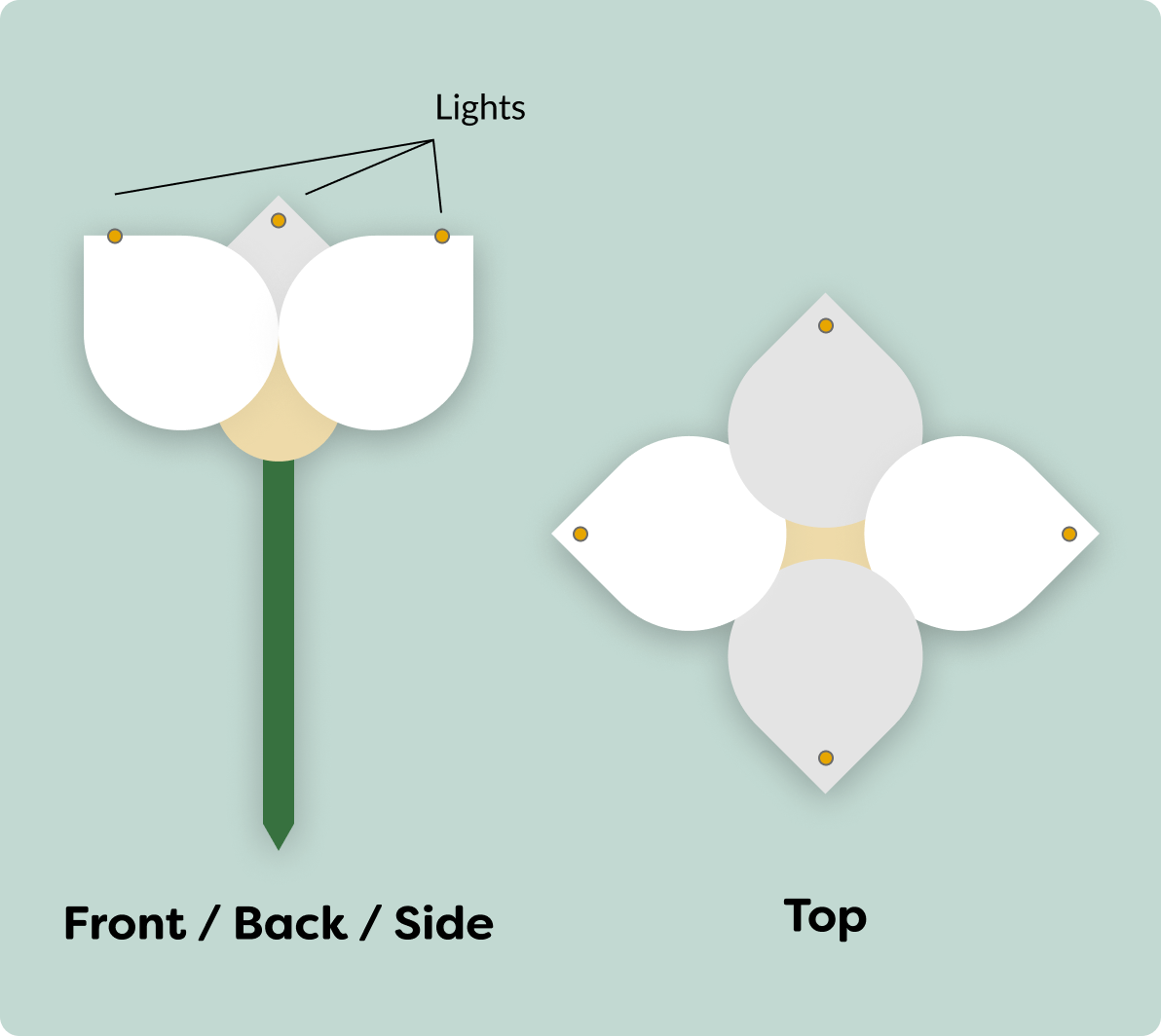
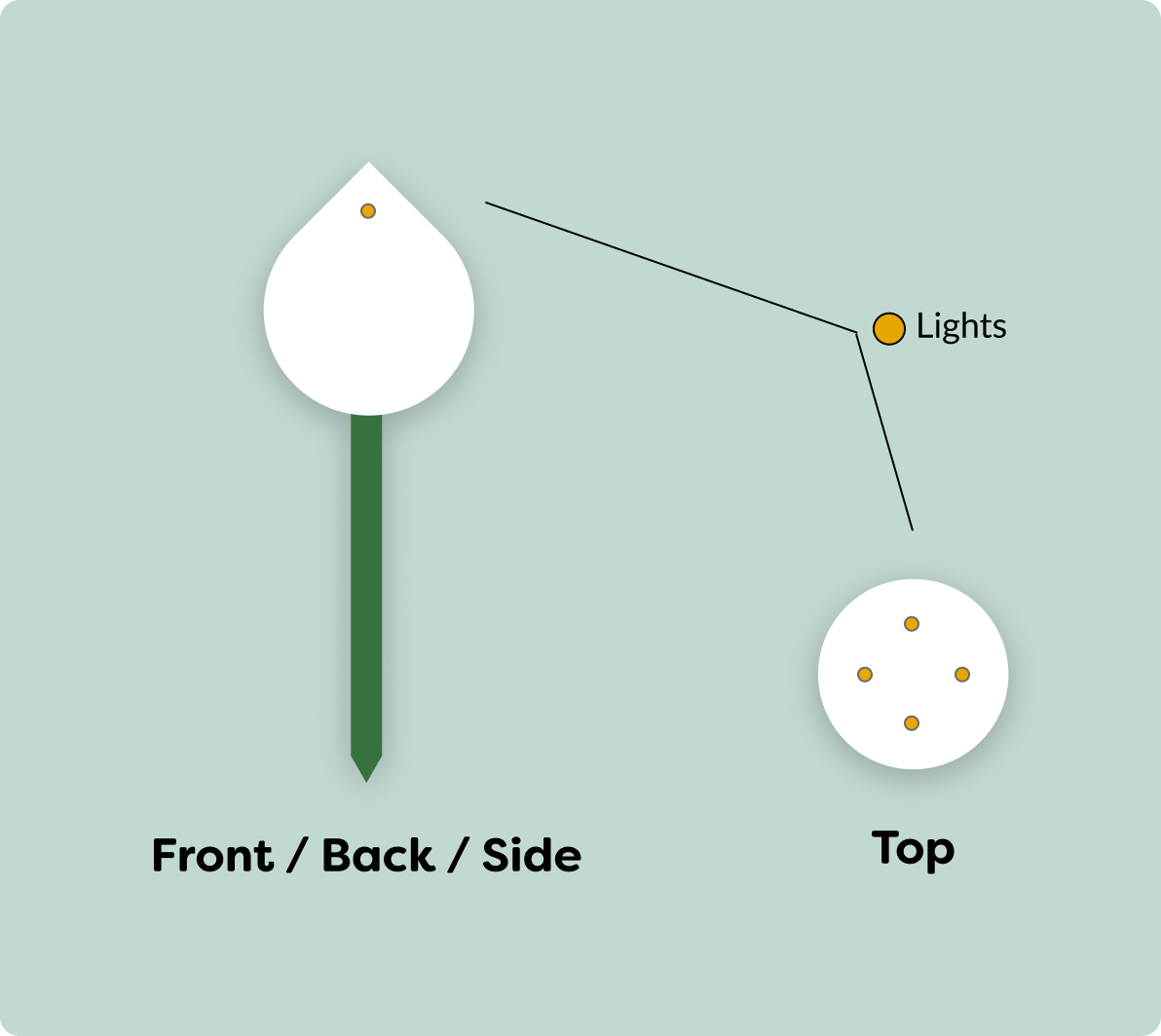
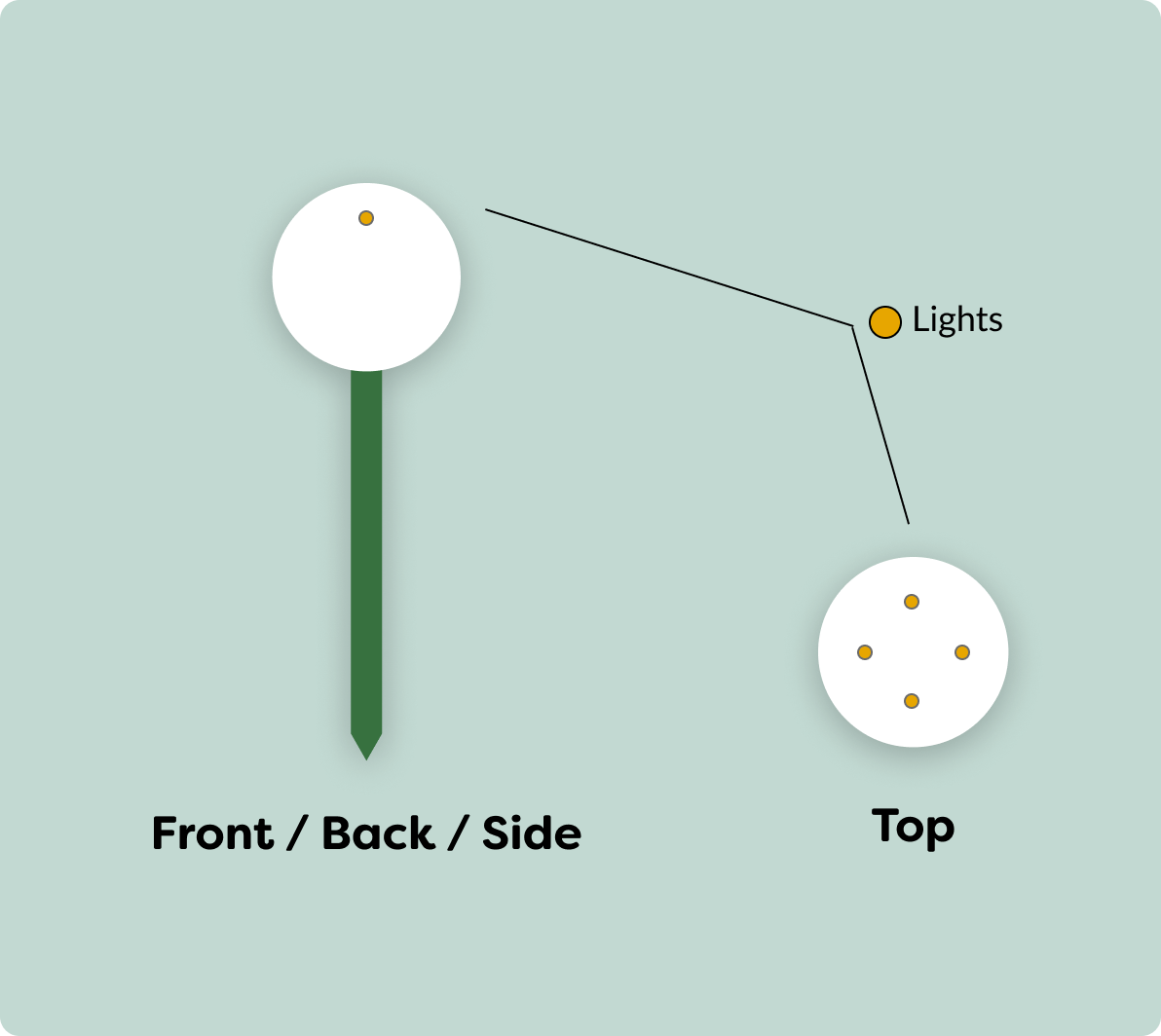
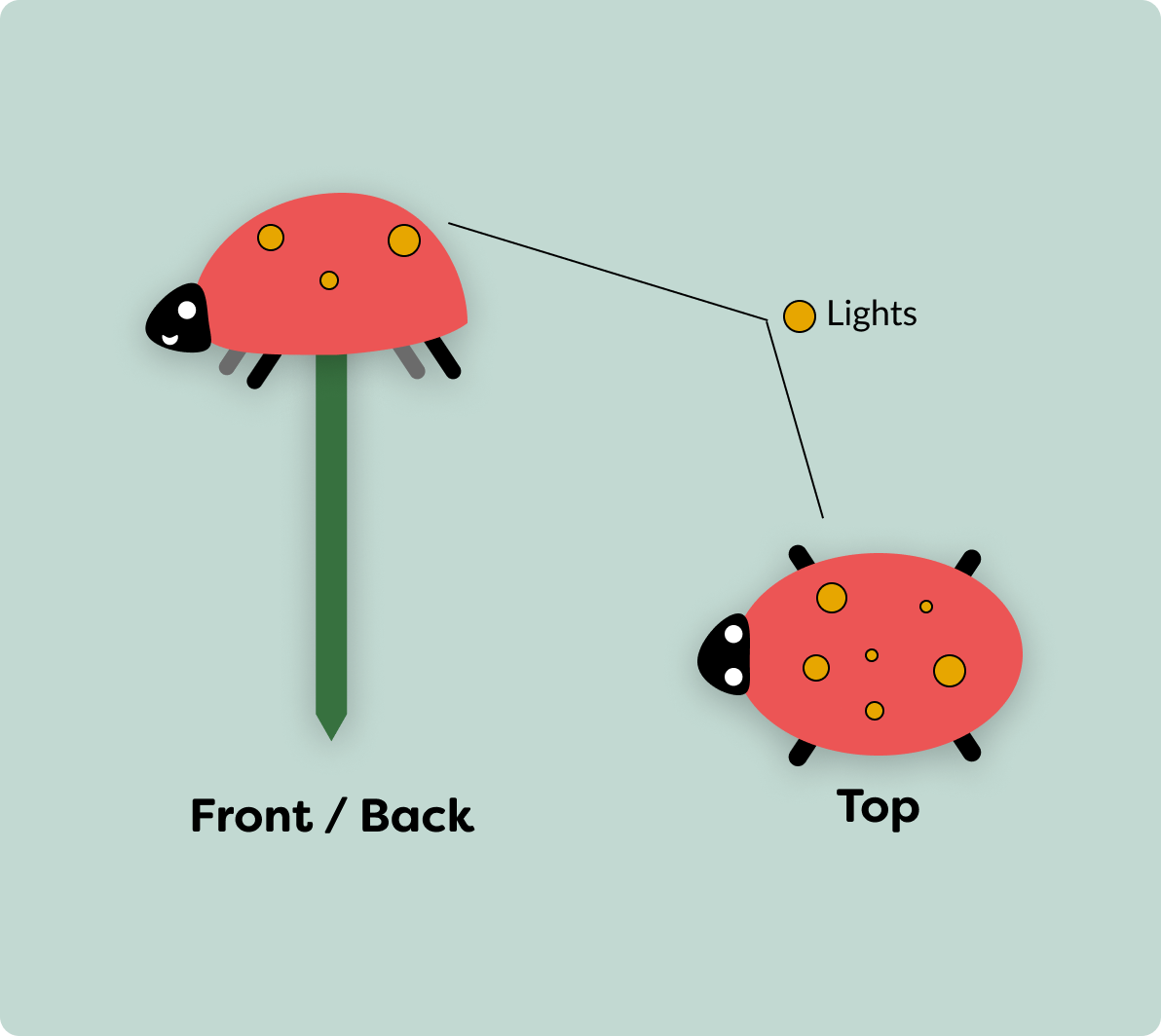
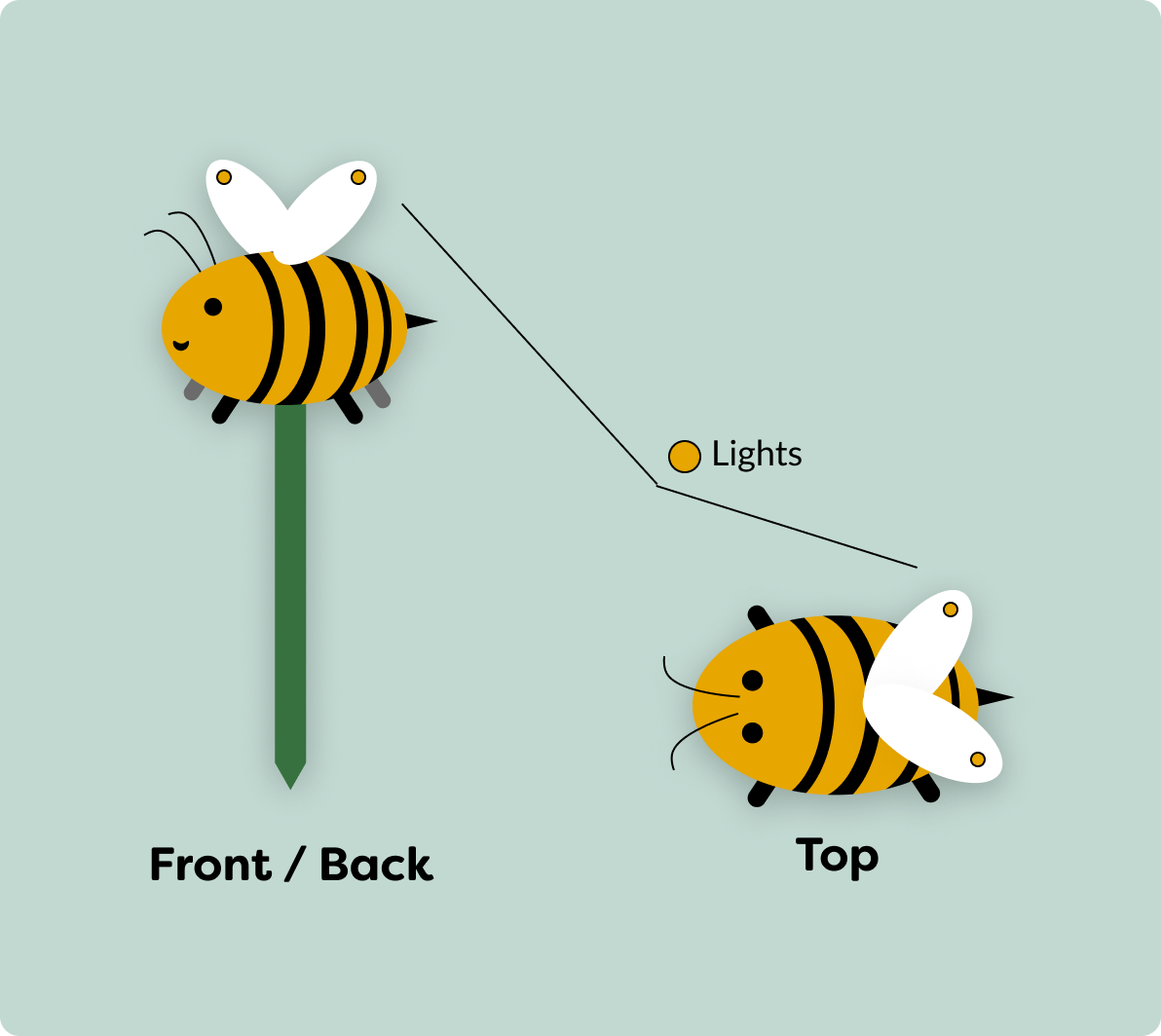
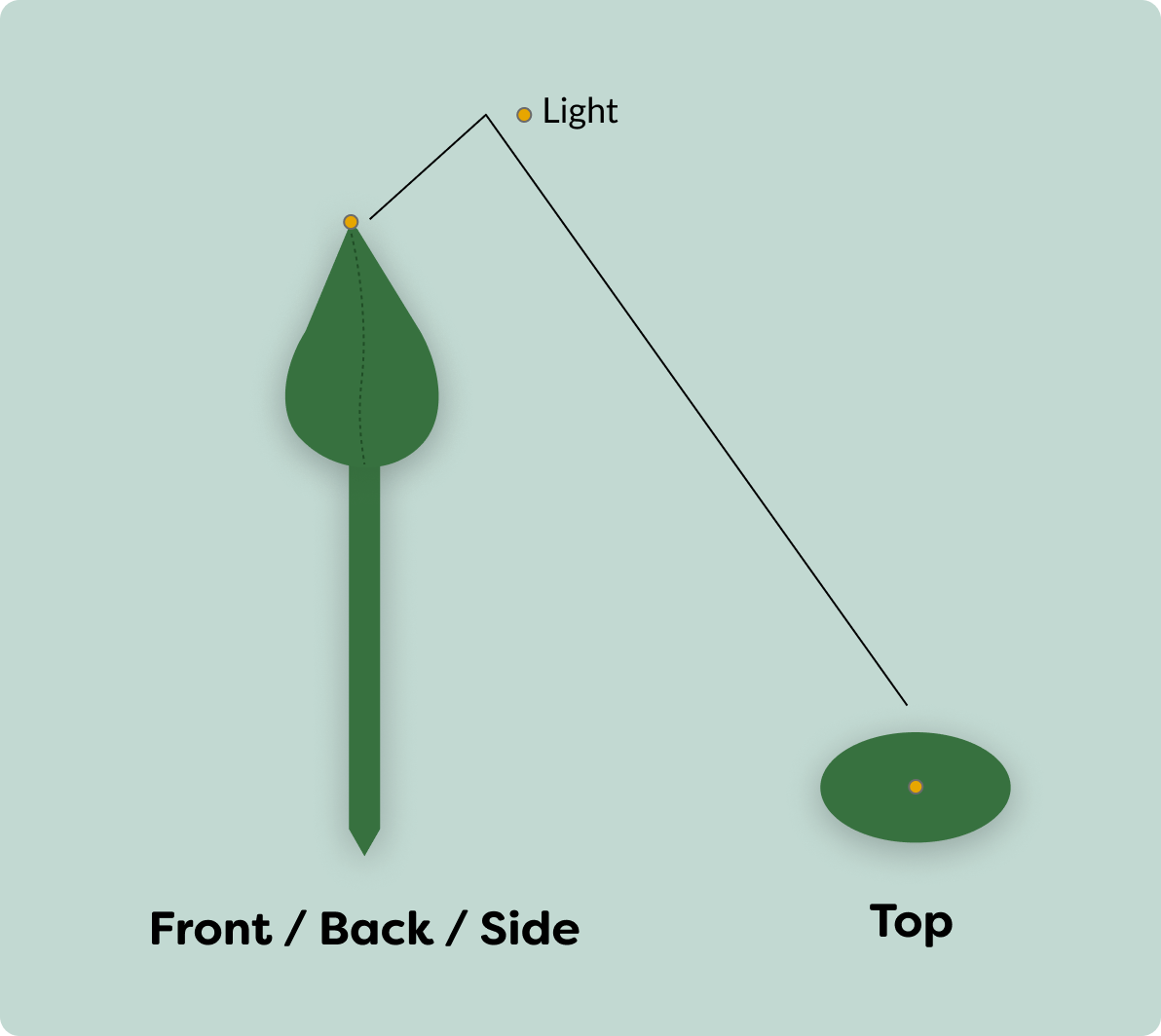
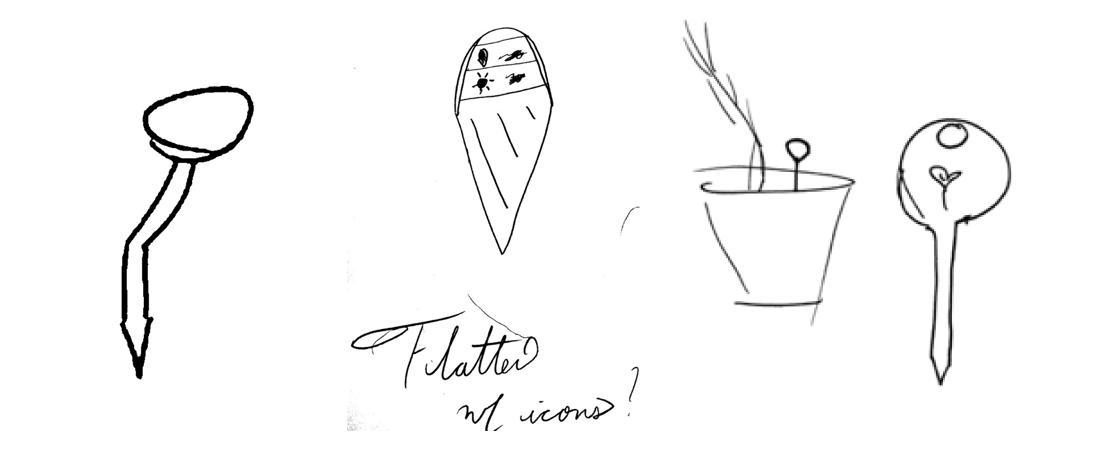
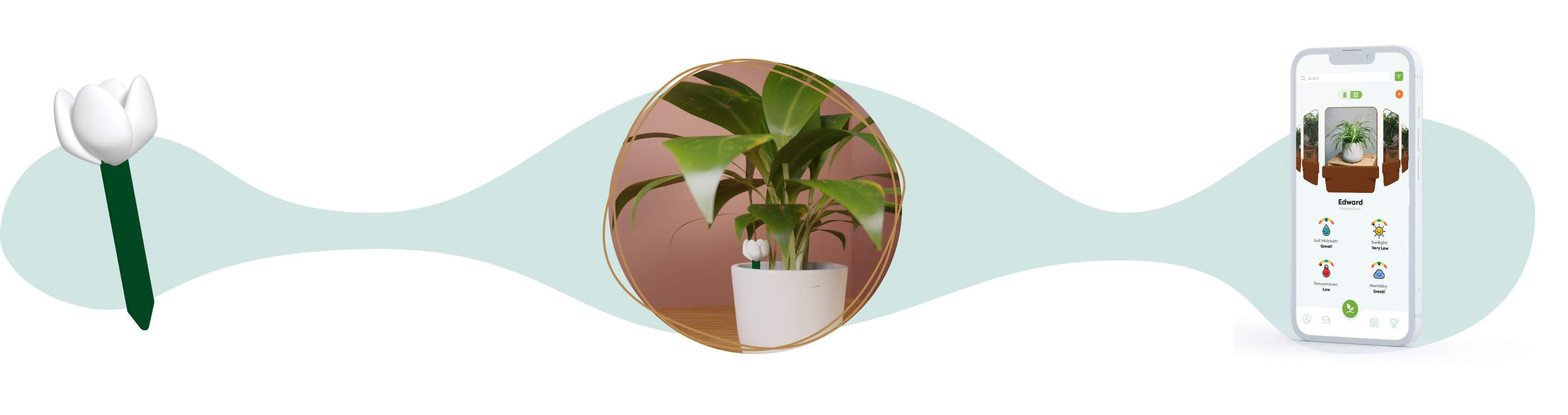
I also wanted to experiment with sources of inspiration for the look of the sensor device. I was quarantining with a COVID exposure at this point, so I couldn't do in person testing. I pivoted by creating a survey with simple 2d drawings of some ideas to collect user feedback.
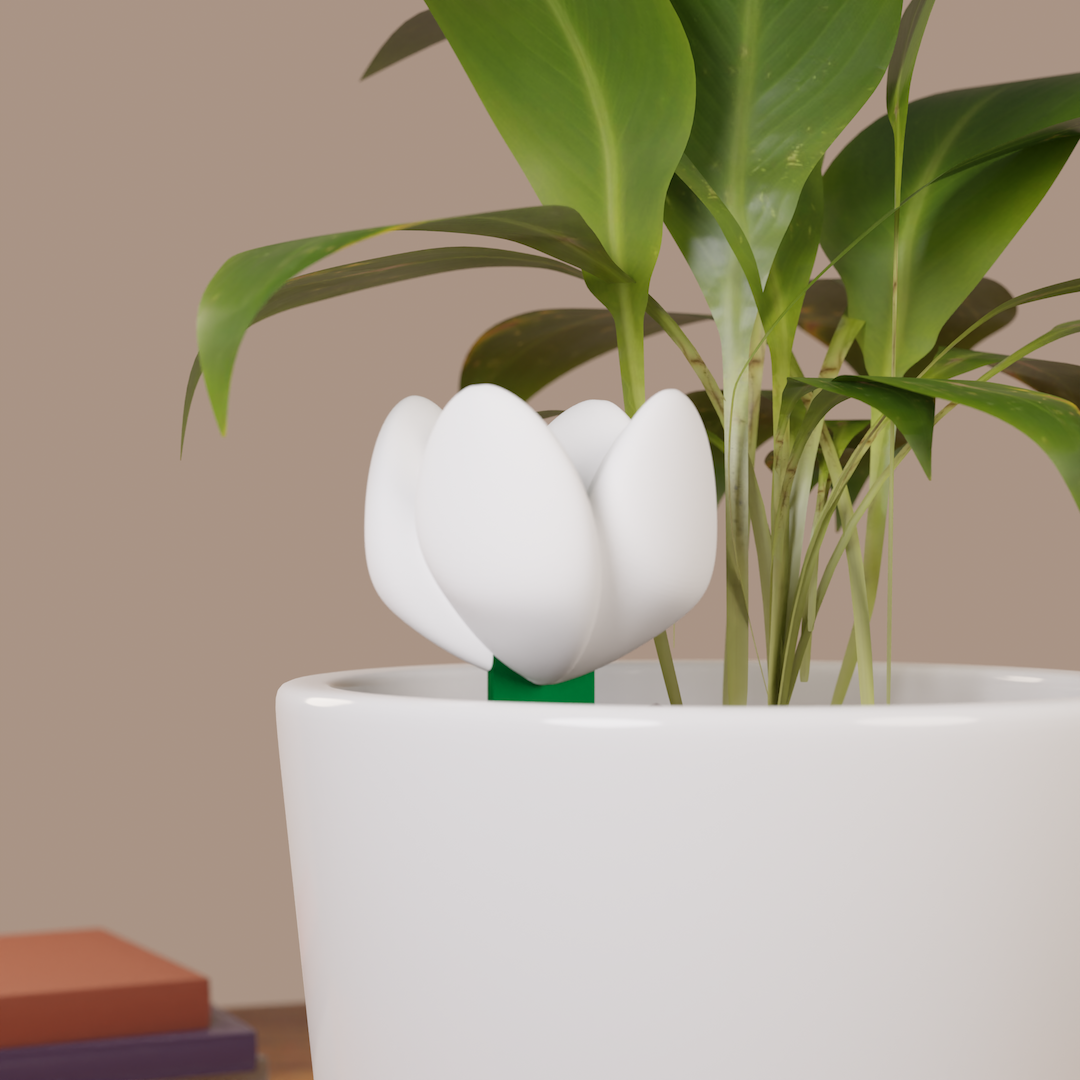
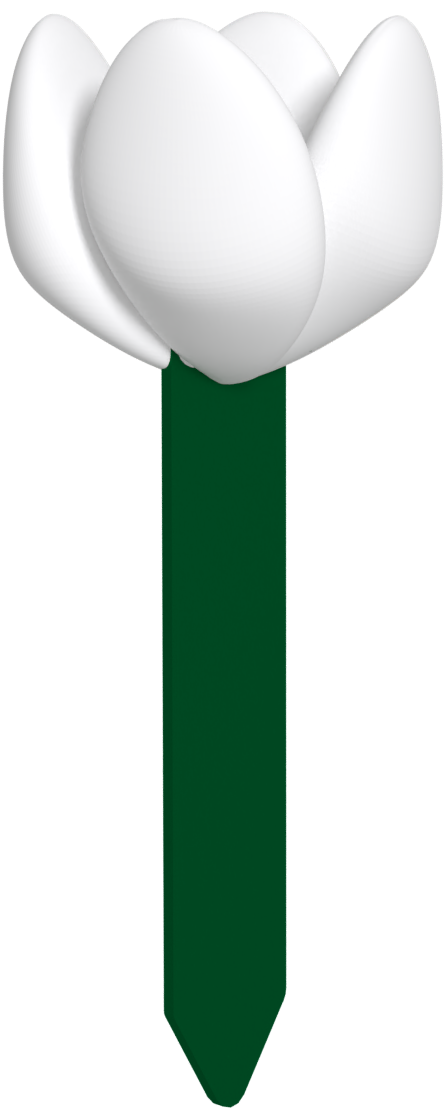
Based on survey feedback, I learned that users would prefer a simplistic design that would blend in with the plant. One user summed this sentiment up well, saying:
"Shouldn’t stand out by default - either designed so the eye
skips over it or doesn’t stand out as a sensor in particular"

.png)